Contact Us / REPORT A BUG

Use the form on the right to contact us.

Always looking forward to hearing from you! 


123 Street Avenue, City Town, 99999

(123) 555-6789

email@address.com


You can set your address, phone number, email and site description in the settings tab.
Link to read me page with more information.

IMG_0435.jpg

All The Things We Love About Speech Therapy With Adults

This blog is about all the things we at Sanapsis Love about Speech Therapy with Adults. 

NOW YOU CAN HAVE YOUR CAKE AND EAT IT TOO (or introducing SANAPSIS PRO, with three languages in one app for professional use)

Nana Lehtinen

Have you ever wanted to use Sanapsis in a different language than on the one you have on your iPad? Have you noticed how our new Sanapsis+ for patients asks you to choose a language when you first launch the app? And when the time is right for your bilingual patient to switch to a different language, how easy it is to switch back and forth between languages in Sanapsis+? (Hint, tap settings icon, choose language, and hit save!).

Well, you are about to find out how easy and swift switching between English, Finnish, and Swedish can be for your Sanapsis for professional use too!

We have been working behind the scenes on the original version of Sanapsis to streamline our family of apps. Currently, our apps include three language versions of Sanapsis as separate apps: English, Finnish and Swedish. We also have a demo version of Sanapsis for professional use, SanapsisLite, available for free download. And this year, we added a new app, Sanapsis+, for patients to use at home independently. That is a lot of apps.

To streamline our selection, we have decided to combine all language versions into one app, SanapsisPro. This means that now you can download only one app for professional use and have all the content in English, Finnish and Swedish in the same app! And what makes this even better is that while adding languages, we also managed to reduce the size SanapsisPro takes up on your iPad. Kind of cool!

Unfortunately, this means we have to say farewell to our Sanapsis Suomi and Sanapsis Svenska as separate apps. If you have downloaded them before, you can absolutely keep using them for the foreseeable future on your device. However, you will not be able to download them again from the AppStore if you happen to remove them from your device. Also, all updates will from now on only happen on SanapsisPro.

If you have recently purchased Sanapsis Suomi or Sanapsis Svenska from the AppStore, send us a message. We will see if we can help make the transition to SanapsisPro smoother for you!
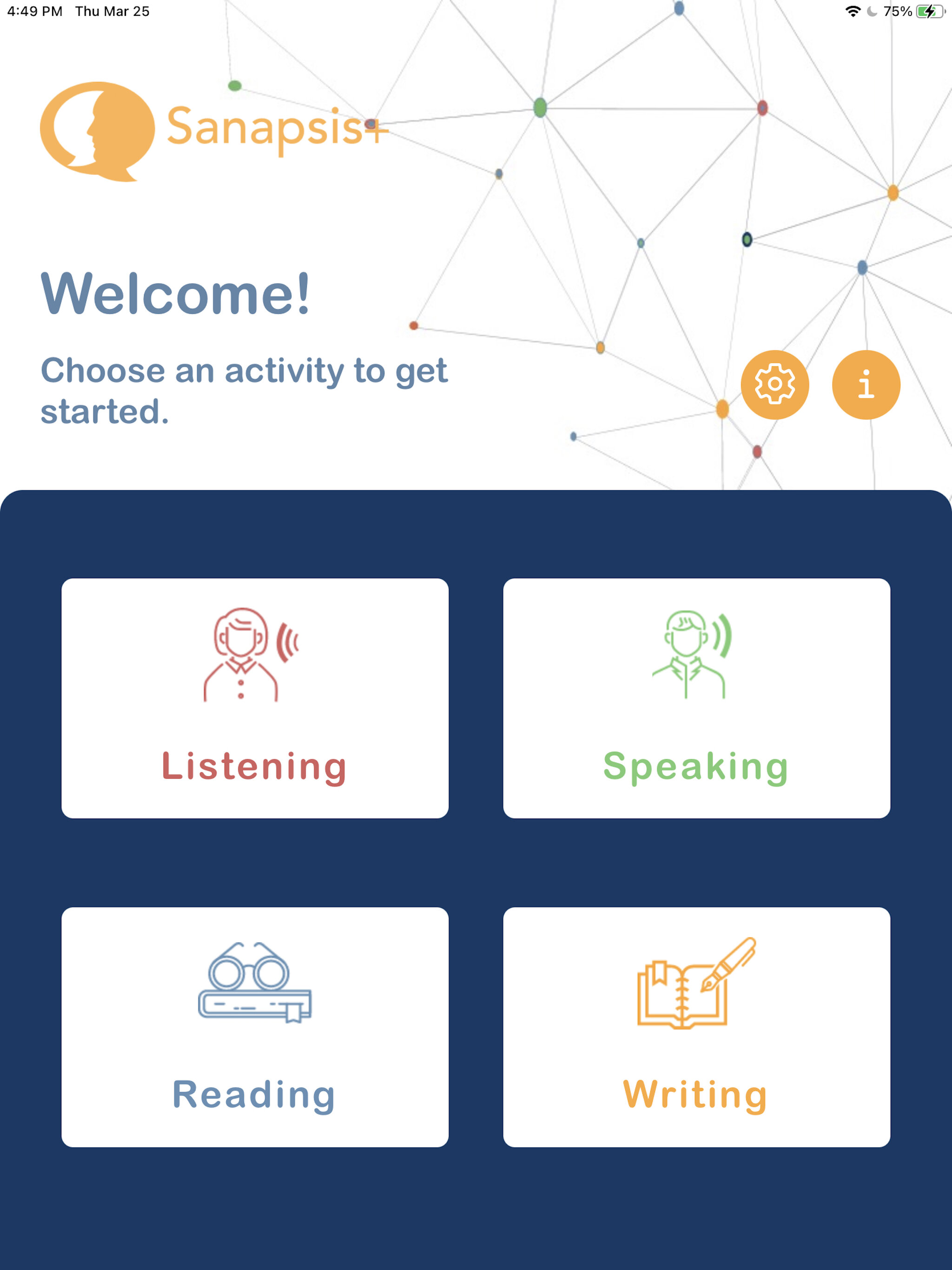
Sanapsis+ is here!

Nana Lehtinen

Main menu Eng.jpeg

We are delighted to announce the arrival of our app for independent home practice for people with acquired speech and language challenges! 

With Sanapsis+, patients can work at their own pace on word-level exercises at home. We have put a lot of effort and thought into bringing you a user-friendly app with relevant content for your patient to work with - but without restricting the user experience to a one-dimensional game-like experience. 

Every step of using Sanapsis+ has been designed with the needs of our patients in mind. We have created an open-ended experience for users to stay in control while still providing feedback on their work. There are four different exercises in Sanapsis+.


Listening

IMG_185BEF2666A1-1.jpeg

These exercises help your patient to identify the single words they hear. There are four images on the screen. After a brief pause, the app names one of the images. The goal is to tap the image that corresponds to that word. If the answer is correct, a green frame appears around the image. If the answer is incorrect, a red frame appears around the image. Simple! Patients can listen to the target word again by tapping the megaphone button. When they tap any of the pictures, they hear the name of that picture. 


Speaking

IMG_1867CB3AB0D1-1.jpeg

In this exercise, patients work on word recall and speaking by naming pictures they see on screen. They also record and listen to their own voice and speech. No feedback is provided in this exercise as patients get to evaluate their work themselves!  

There are multiple levels of clues embedded in the exercise. To listen to the whole word recording of the target word, patients can tap the image. They can tap the question mark for a written clue to see the letters revealed - one letter for each tap. For an auditive hint, patients can tap the megaphone icon. All words can be recorded as many times as needed before moving to the next one. 


Reading

IMG_8605660A49E3-1.jpeg

In this reading exercise, there is an image and four words on the screen. Patients read the words and tap on the one that corresponds to the image. When the answer is correct, the button turns green. If they tap the wrong word, it turns red. It is always possible to try again as many times as needed, no rush! Patients can listen to the names of all images by tapping them. 


Writing

IMG_FFEAFA0309BB-1.jpeg

In the writing exercise, there is an image and a keyboard on the screen. The goal is to use the keyboard to type the name of the image. When correct letters are typed, they appear on the line. After two incorrect tries, a hint appears, showing the following letter. When the word is completed correctly, the background turns green. It is possible to write the word again by tapping the refresh button on the keyboard. 


In all exercises, patients move forward at their own pace by tapping the arrow in the right corner. They can also go back to the previous word by tapping the back arrow on the left.  


Saving the best for last! 

After the last task in an exercise, you see our most favorite feature! On the final screen, patients see an idea of how to practice the same skills they just worked on in the app in their everyday environment. These ideas correspond to the skill patients worked on and the category they chose to use for this particular session. 

Ideas for working outside the app range from simple independent work at home (reading, home: Browse through a newspaper. How many ads can you find?), to getting out and about (reading, surroundings: "Pay attention to street signs in your community. Which words do you recognize?"), and to work around the house with a loved one ("naming, clothes: Next time you do the laundry, name all the items as you put them in the dryer or as you hang them up to dry. Take turns!").

We are super excited about this feature and hope you are too! After all, the real world is where the magic of communication happens! We are also looking forward to hearing your best tips and ideas on working on language skills in the everyday environment. Send us your idea and it might be featured in the app!

IMG_7EFC6760EED7-1.jpeg


Sanapsis+, coming soon!

Nana Lehtinen

We are super happy to introduce a new family member, Sanapsis+ - an app for working on speech and communication skills at home.

Sanapsis+, coming early 2021 to AppStore and GooglePlay!

Sanapsis+, coming early 2021 to AppStore and GooglePlay!

Like all our apps, Sanapsis+ is designed for people with acquired speech and communication difficulties due to neurological deficits. These can include aphasia, stroke, traumatic brain injury, or a neurological illness.

With Sanapsis+, you can enhance active communication in all language areas: Speaking, Listening, Reading, and Writing. 

In addition to specific language exercises, Sanapsis+ provides ideas and guidance on working on speech and communication skills at home, in our everyday surroundings. After all, the real world is where the magic of communication happens! We are looking forward to sharing Sanapsis+ with you soon!

New content for Sanapsis Svenska

Nana Lehtinen

How are you doing? It sure is turning out to be a very different spring than what we were expecting. I hope you are staying healthy and things are falling into place for you and your loved ones (maybe slowly, but hopefully surely).

For us, this has been a busy few weeks. We have been setting up way more telepractice appointments than planned and helping our patients navigate this new environment for many. As such we have has a chance to use Sanapsis in teletherapy more than usual and it has been a blast! Hopefully you have also found ways to make use of the materials and ideas in Sanapsis during these times. We would love to hear how it is going! Please reach out via this site or comment below. Also, please reach out if you need assistance in figuring out a good setup for you, how to share your iPad screen etc. We are here and always happy to help.


In other news: We are exited to bring more exercises to our Swedish speaking friends! Our update for Sanapsis Svenska (1.5) is ready to download from the AppStore. This free update includes 5 new exercises to be used online or in person with your patients. There is new stuff in three categories: Speech Production, Comprehension, Writing and Perseveration.

IMG_2DEB14F989E9-1.jpeg

For Speech Production we have two new exercises: Descriptive sentence / Bilda en beskrivande mening and Give Instructions / Ge Instruktioner.

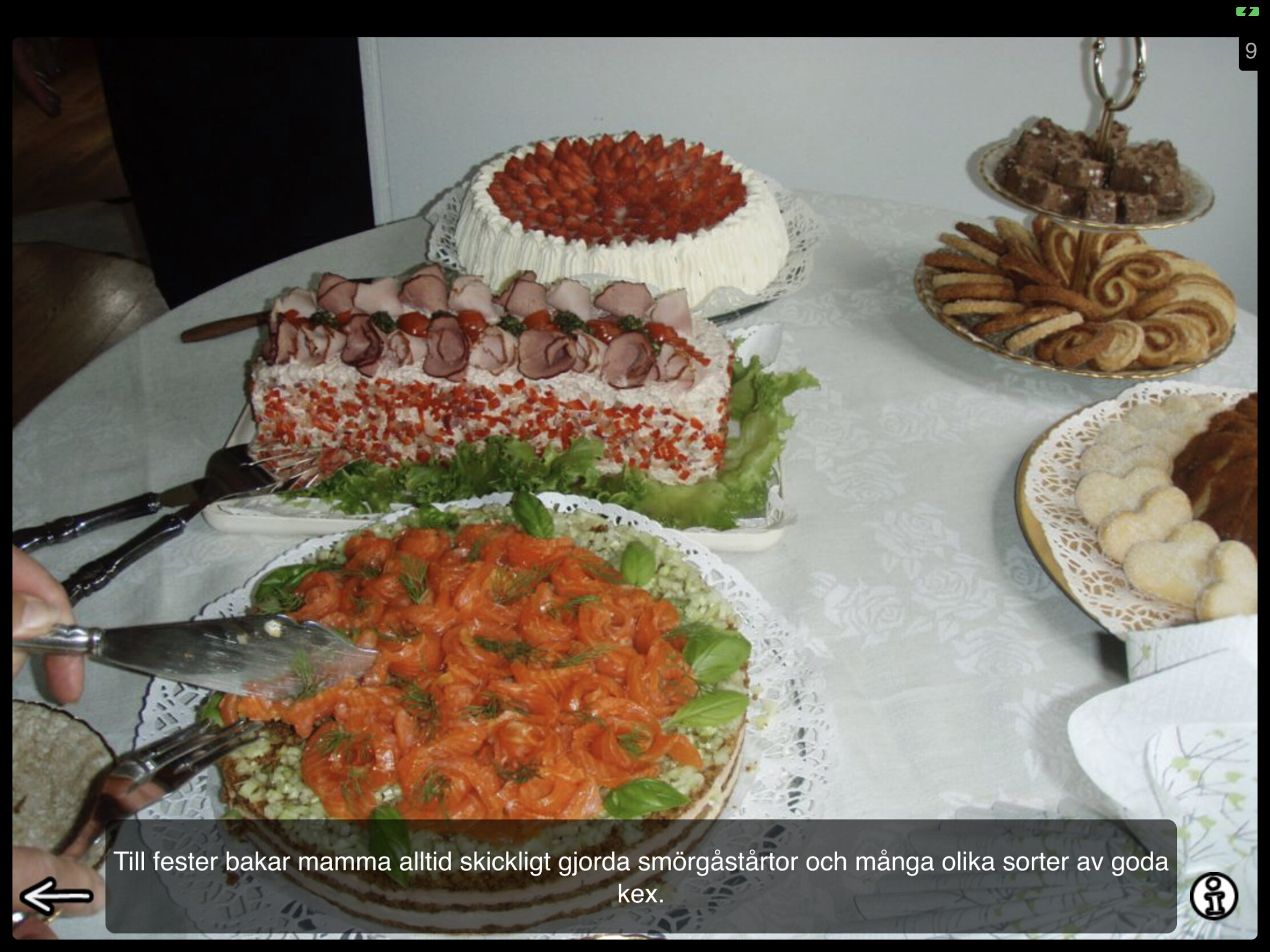
Descriptive sentence is kind of like a talkative sister of our earlier exercise Precise sentence. In Precise sentence you show your patient a picture and ask them to provide a simple, straightforward informative sentence, e.g There are cakes on the table. In Descrptive sentence you also get a image prompt, but ask your patient to produce a sentence with as much detail and adjectives as possible, to truly describe the photo. There is an example sentence hidden under the panel you can use as a general guideline of what the sentence could look like. You can find more information on why and how to use this task with your patients under the info button in the right lower corner.

Bilda en beskrivande mening, screen you see when launching the exercise

Bilda en beskrivande mening, screen you see when launching the exercise

Bilda en beskrivande mening, with  example

Bilda en beskrivande mening, with example

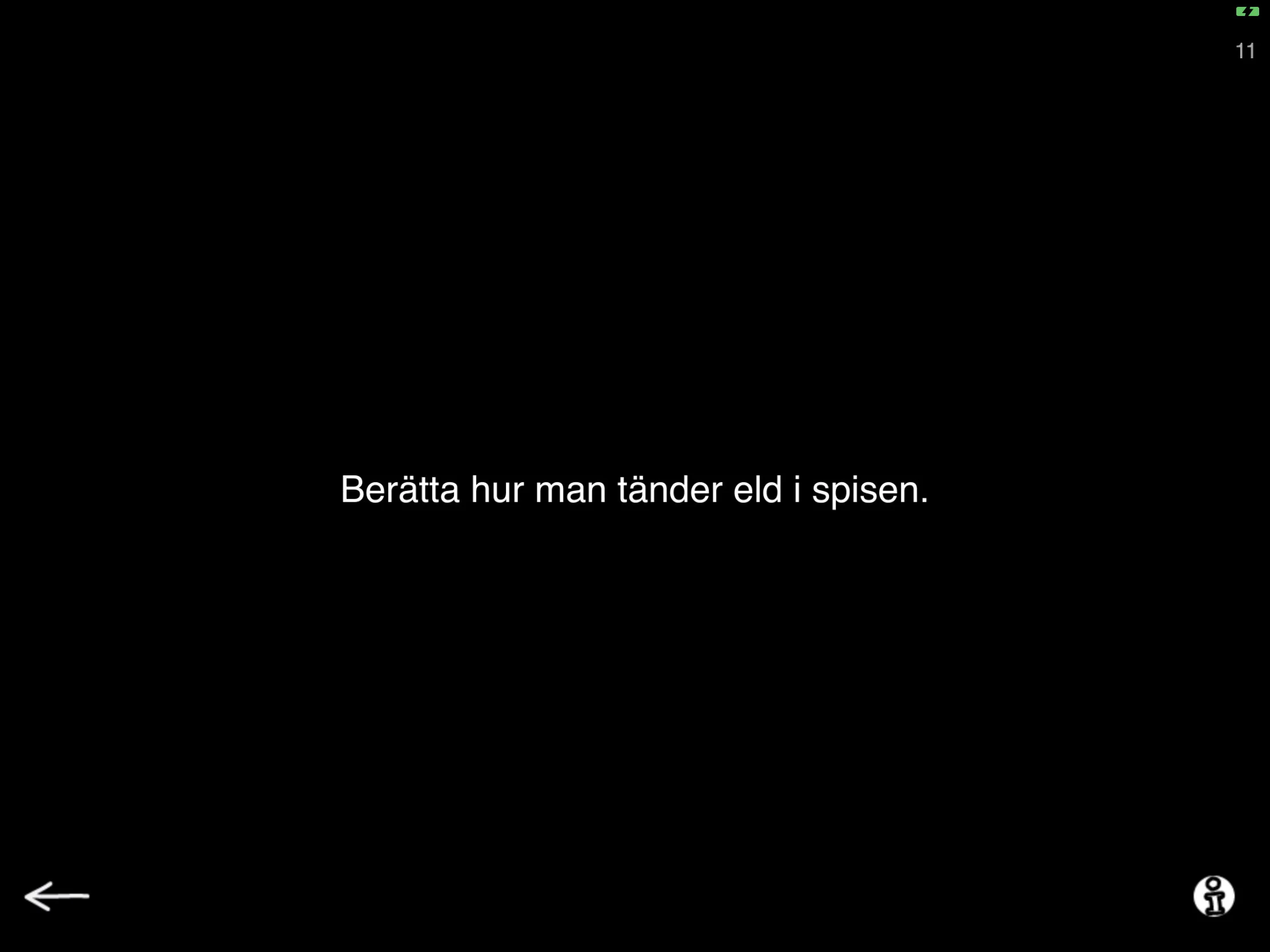
Give instructions is a text based exercise for speech production. Here you are presented with a prompt to describe a sequential task. There are two levels. Level 1 has familiar tasks where your patient is asked to produce instructions on how to complete these tasks, such as Explain how to light a fire in a fireplace. Tasks on level 2 has the same idea, but with a twist. Prompts on level 2 include more complex situations and a component of problem solving, such as Your neighbor locked himself out of the house. Tell him what to do. Below you can see examples of both levels. You can find more information on why and how to use these prompts with your patients under the info button in the right lower corner.

Ge instruktioner, level 1

Ge instruktioner, level 1

Ge instruktioner, Level 2

Ge instruktioner, Level 2


Update 1.5 for Sanapsis Svenska includes one new exercise for our Comprehension category. Follow instructions / Följ instruktionerna is a task where your patient moves the images on the screen following prompts you give them. This task is best used when facing each other at a table where you can read the upside down text on the top of the screen and the patient can manipulate the images. In settings you can switch it up to a reading task. This will switch the text to the bottom of the screen and the patient can follow the prompt while reading. You can also find this exercise in our Reading category in our next update.

Följ instruktionerna as a comprehension task when seated on opposite sides of a table

Följ instruktionerna as a comprehension task when seated on opposite sides of a table

Följ instruktionerna for a reading task

Följ instruktionerna for a reading task


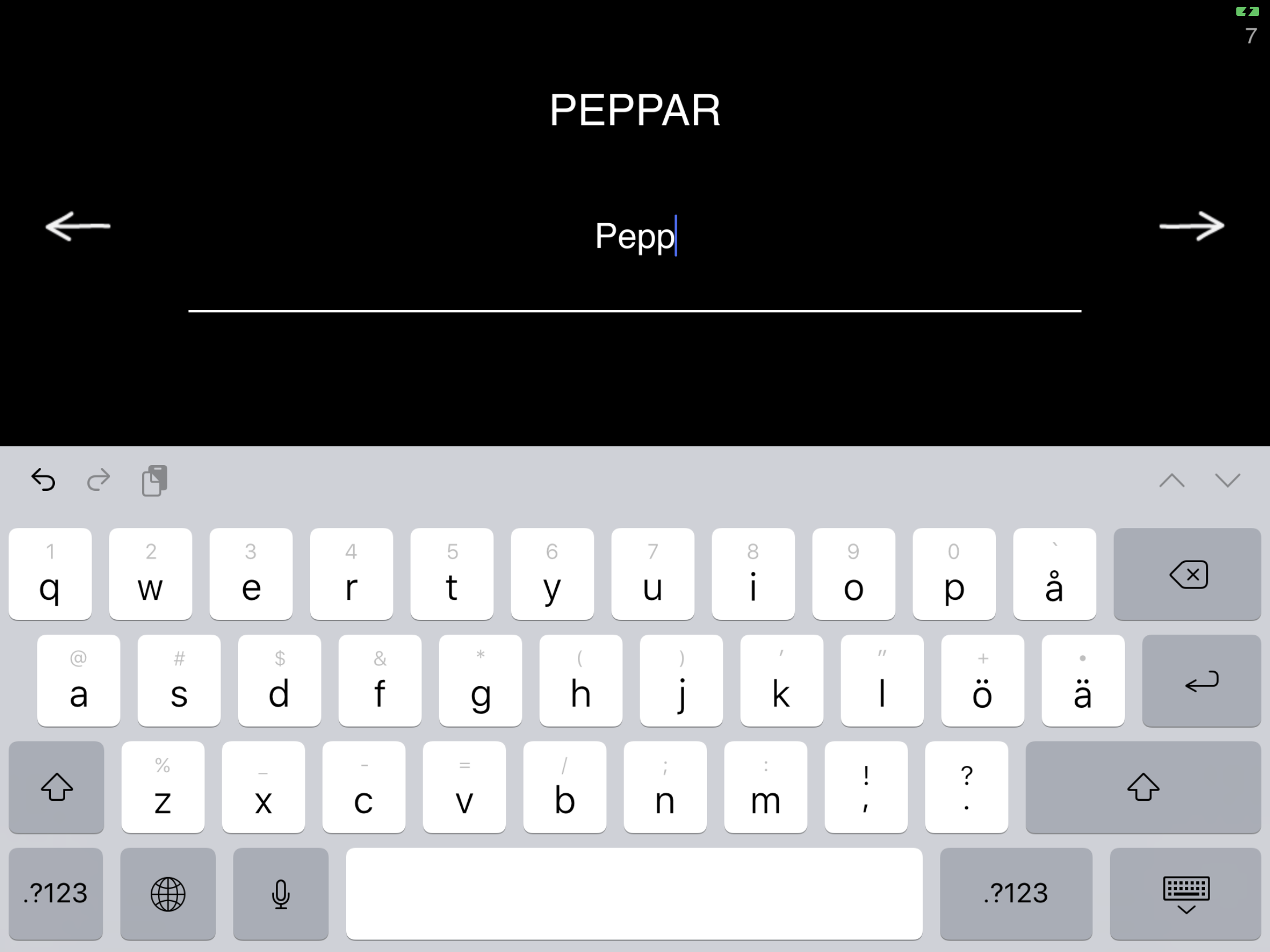
In Writing-category we are moving to the keyboard! This update adds a word level copying task, Copy words using the keyboard / Kopiera ordet med tangentbordet. On screen you see a word. Tapping the line pops up a keyboard on screen so you can copy away! If you prefer a bigger keyboard, you can connect a bluetooth keyboard to your iPad and use that. In settings you can see the familiar categories from where the words to be copied are drawn from. Mix and match to meet your patients needs. Ideas on how to make use of these categories can be found under the info button.

Kopiera ordet med tangentbordet.

Kopiera ordet med tangentbordet.

Kopiera ordet med tangentbordet, settings for instructions and categories.

Kopiera ordet med tangentbordet, settings for instructions and categories.


In our Perseveration category you are already familiar with tasks using letters and numbers. Now we are introducing a new member to that group, Repetitive naming, pictures / Seriell benämning, bilder. Here you will see images and ask your patient to name them serially while working on strategies to reduce the tendency to persevere. Look for more in depth description on how and when to use these exercises under the info button! And while you are at it, you will discover that some of the familiar categories are presented here too, along with options on how many images per screen and how many objects represented in those images. In this example I have chosen to have only category (Fruit and Vegetable) active and I have 9 images per screen with 2 objects, orange and coconut. I have tapped some of them to reveal the written name, easy to hide by tapping again.

Seriell benämning, bilder

Seriell benämning, bilder

Seriell benämning, bilder, with examples

Seriell benämning, bilder, with examples


That is our update 1.5 for Sanapsis Svenska! Hope you enjoy it! Remember, updating Sanapsis is and always will be free. Hope to hear from you soon. Remember we are happy to answer any questions you might have. Stay well.