Contact Us / REPORT A BUG

Use the form on the right to contact us.

Always looking forward to hearing from you! 


123 Street Avenue, City Town, 99999

(123) 555-6789

email@address.com


You can set your address, phone number, email and site description in the settings tab.
Link to read me page with more information.

IMG_0435.jpg

All The Things We Love About Speech Therapy With Adults

This blog is about all the things we at Sanapsis Love about Speech Therapy with Adults. 

I Want To…

Nana Lehtinen

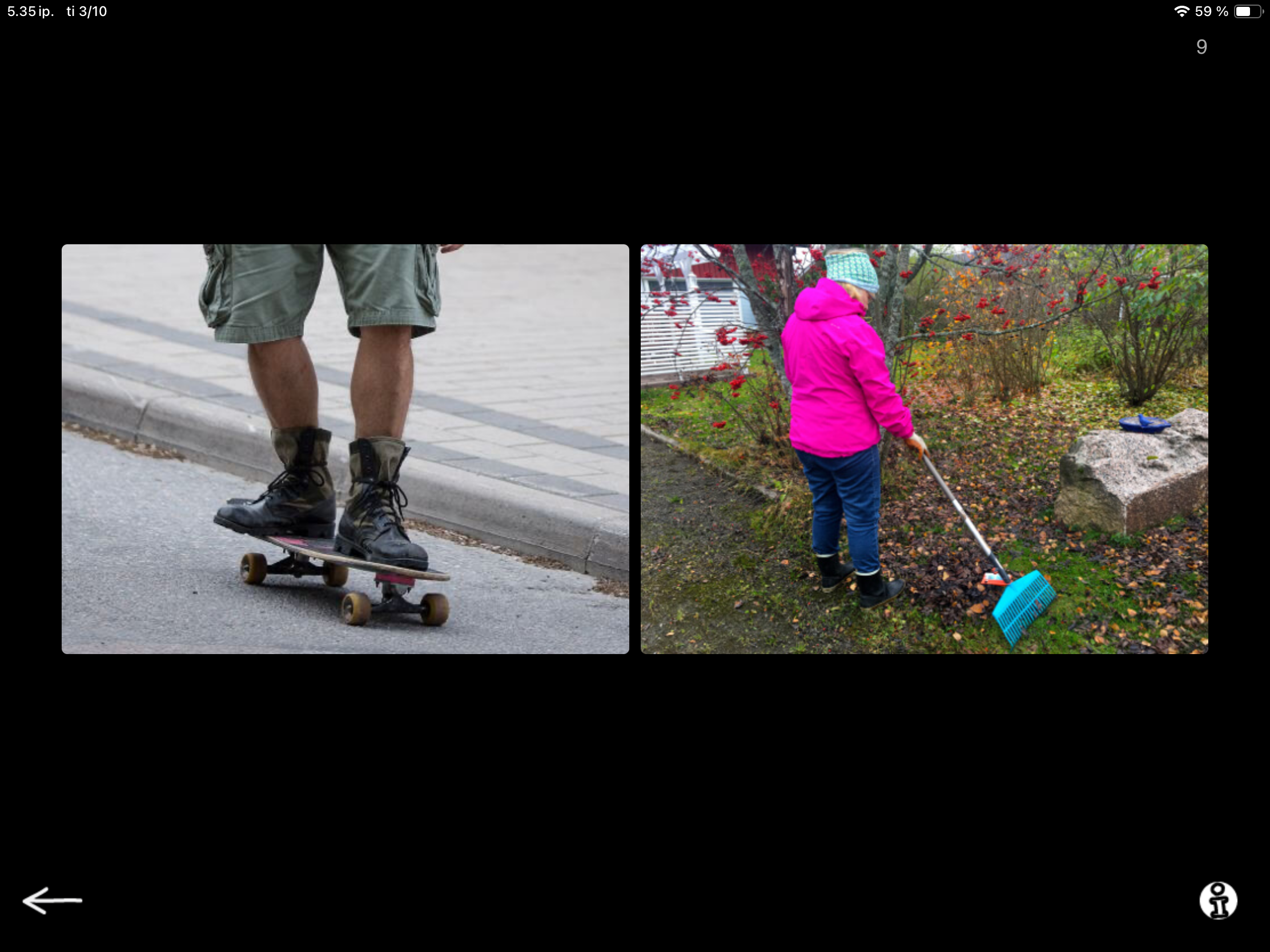
Next task in our SanapsisPro Production category is a task called I want to… This task has two to four action pictures on screen and a prompt that says “I want to…”
Hmm. It seems a lot like the Naming - actions exercise we talked about in the previous post. So what is going on? Actually, quite a bit! In this task, you ask the client to:

  • Examine the pictures

  • Determine the action taking place

  • Select the one they prefer

  • Start the phrase

  • Complete it with their preferred action word or phrase.
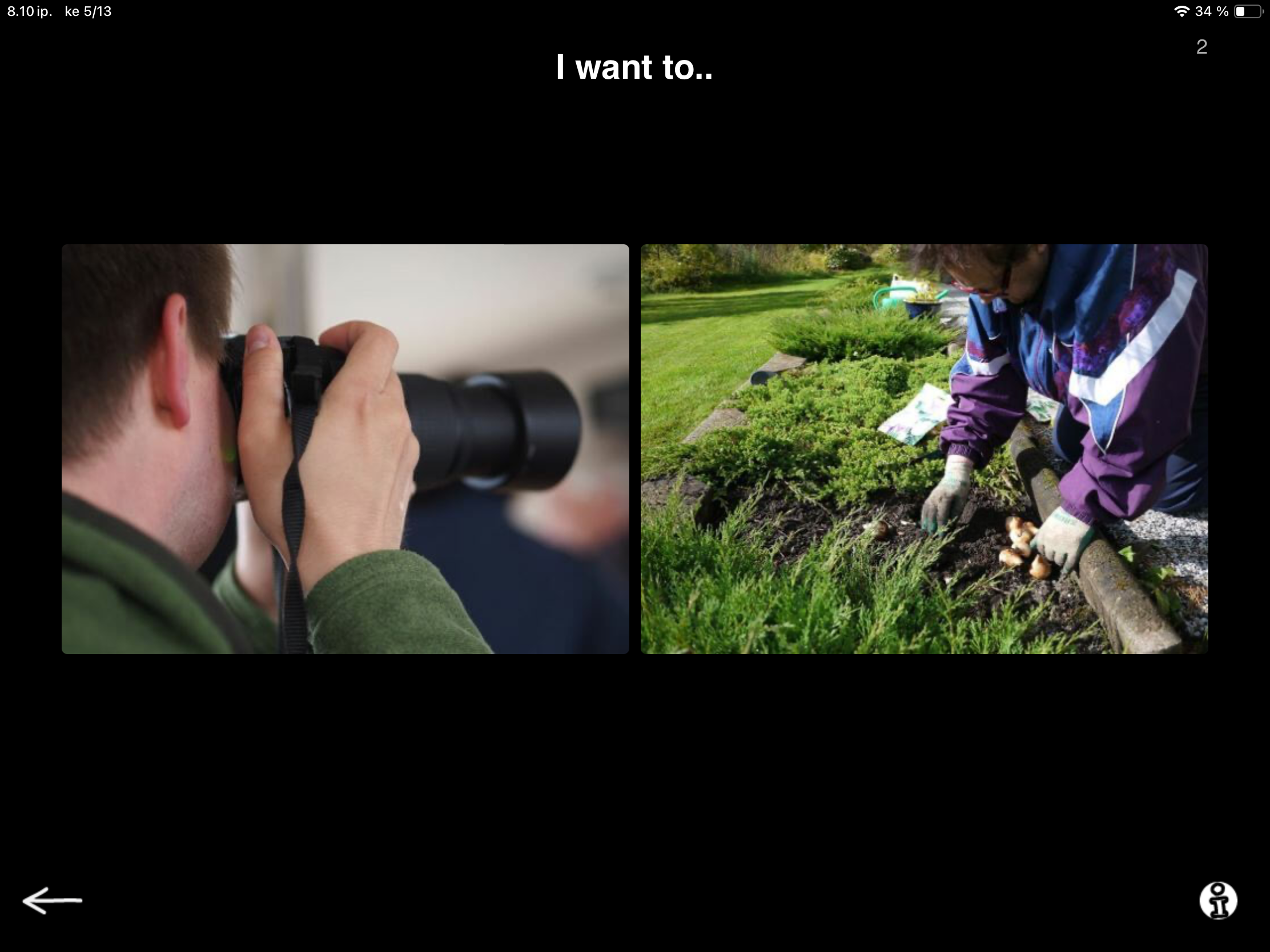
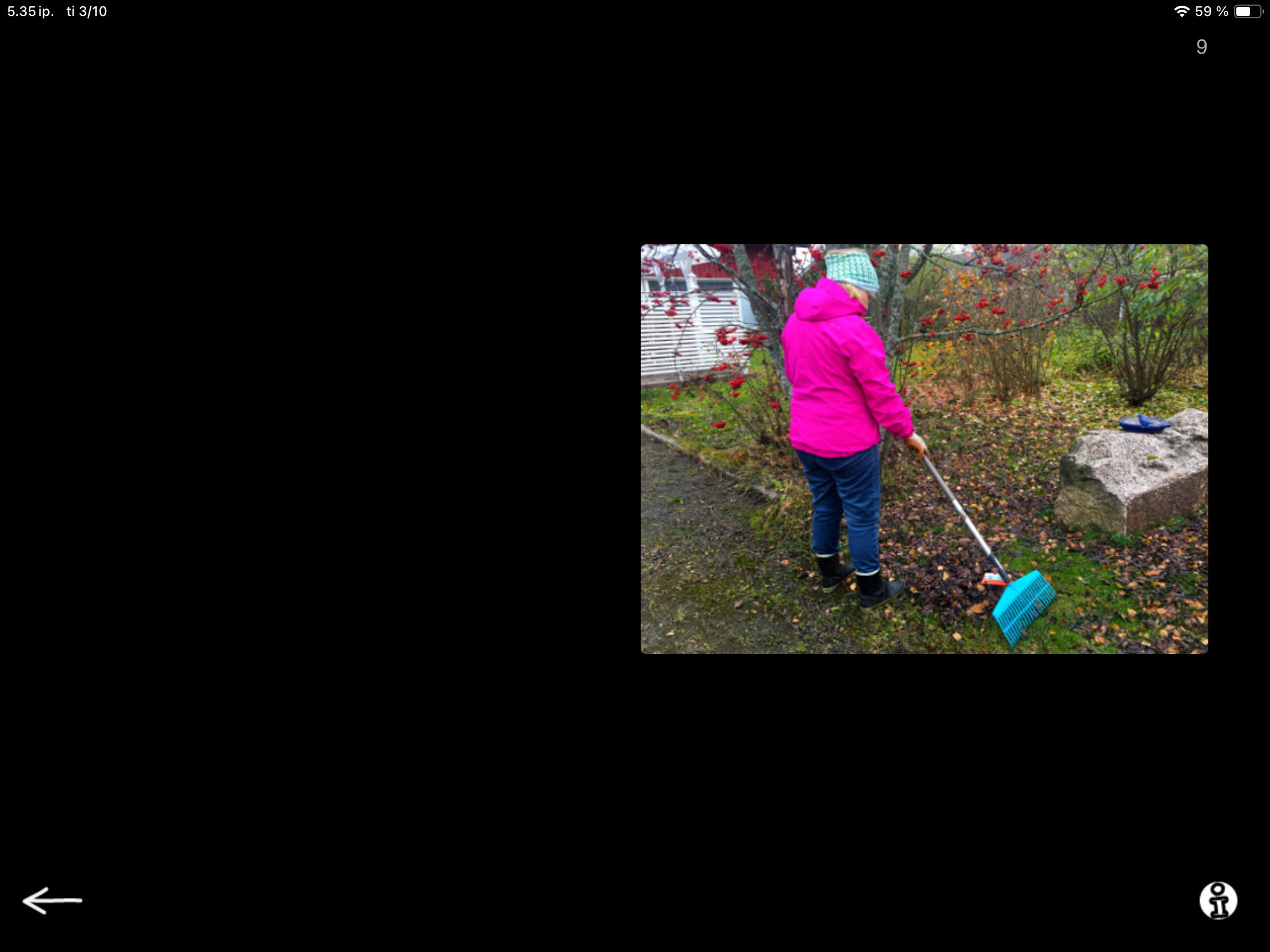
In the example shown here, the client may just looove gardening and be very clear on the selection they make. The answer becomes “I want to… work in the garden.”

A different client might not enjoy gardening, but they are not too keen on photography either. They end up selecting the image for taking photos through the process of elimination. “I absolutely do not like working with dirt, but I guess taking photos is not that bad. So, I would prefer the camera.” The answer becomes: “I want to… take photos.” Both are excellent answers!

Completing the task requires a vast array of useful skills: actively working on making a choice, formulating and expressing an opinion, and using verbs in sentence-level expression that is rooted in their preferences. And very importantly, thinking and expressing what they like to do.  A meaningful and communicative way to work on action words; not as isolated vocabulary, but as part of personal expression.

As clinicians know, many people with aphasia experience difficulties with initiation. The difficulty may not be limited to finding the right word or initiating speech. It may also include initiating the whole action arc: thinking about preferences, independently making a selection based on those preferences, shifting from looking to expression, and generating and sharing required information.

This task format provides scaffolding for the whole process of generating informative expression. The beginning of the sentence is already there to prompt you. What do I like to do? Visual options provide ideas and a limited number of choices, reducing the pressure and overwhelm of initiating an idea from scratch. The task creates a small, supported bridge that links personal experience and intent to sentence formulation. Nothing more powerful than that!
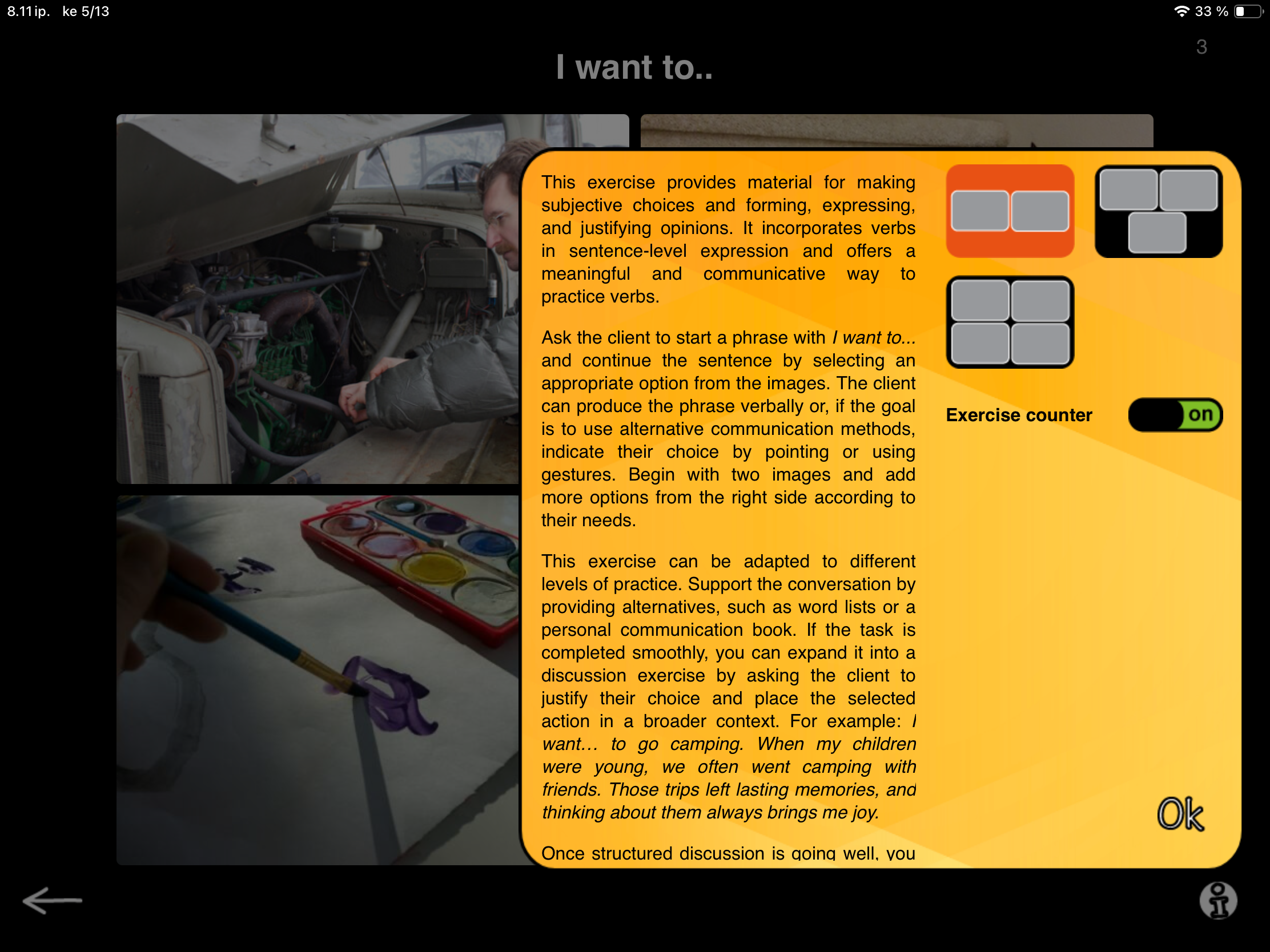
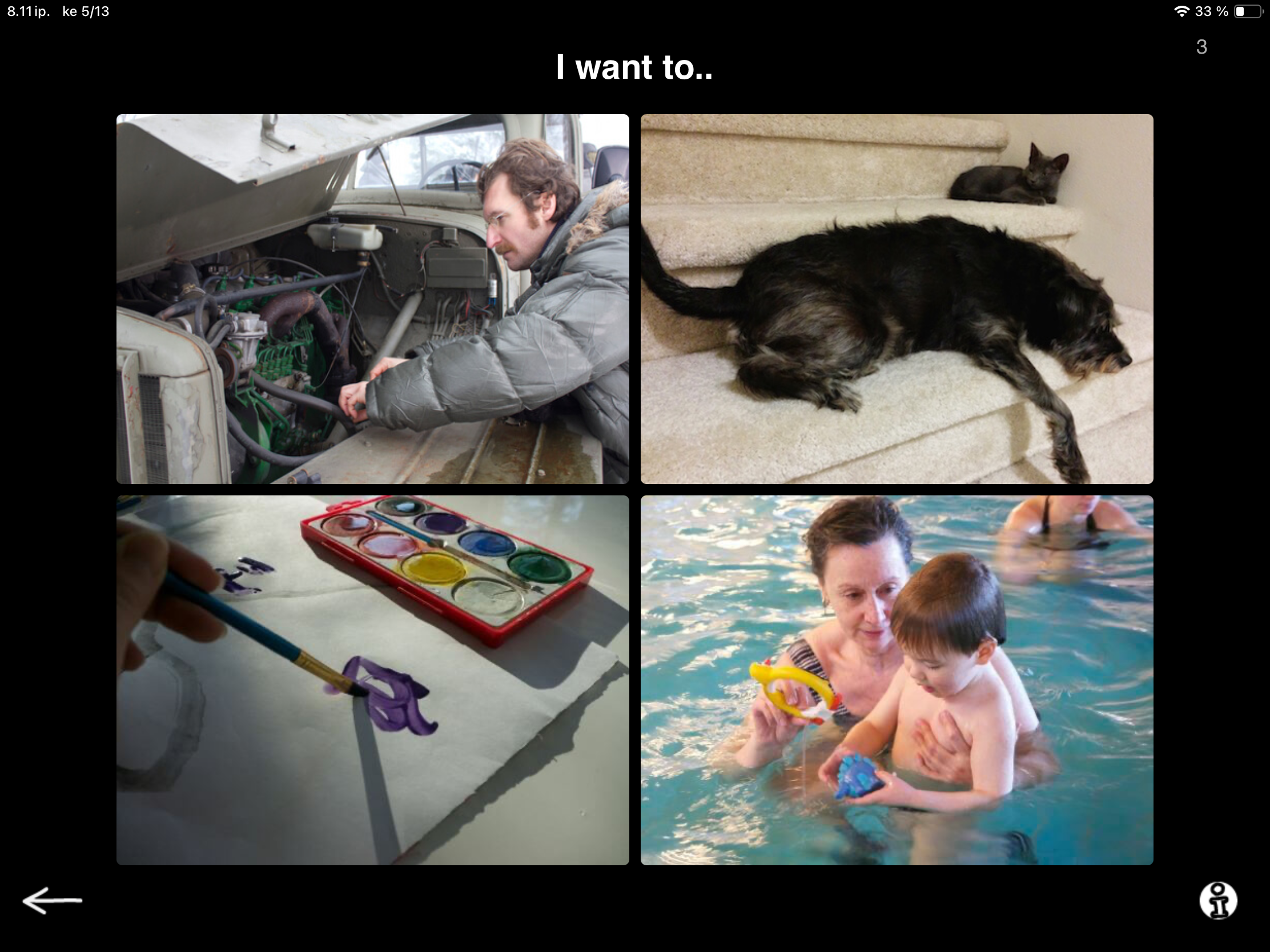
When the task goes smoothly, it naturally grows into a conversation exercise. When they select, for example: “I want to work on my car,” ask them to tell you more. Beyond the rather abstract question “Why?” or “Tell me more”, you can continue by asking: Have you always enjoyed working on cars? Where did you learn? Do you have a specific memory or a story related to fixing a car?

Now, we are not just drilling vocabulary verbs. We are working on personal, meaningful information, preferences, opinions, memory, narrative language, and supported conversation. Sometimes communication starts with a small nudge of finding a way to express: I want to…. And sometimes that is all you need.

Need variation? You can adjust the number of images on screen in task settings. Two is a good starting point. As your client becomes more familiar with the concept, you can introduce more images for added complexity.
Naming Nouns and Actions

Nana Lehtinen

To kick things off for the Speech Production category, I will cover not just one, but two tasks in this first post! These tasks are Naming, Nouns and Naming, Actions.

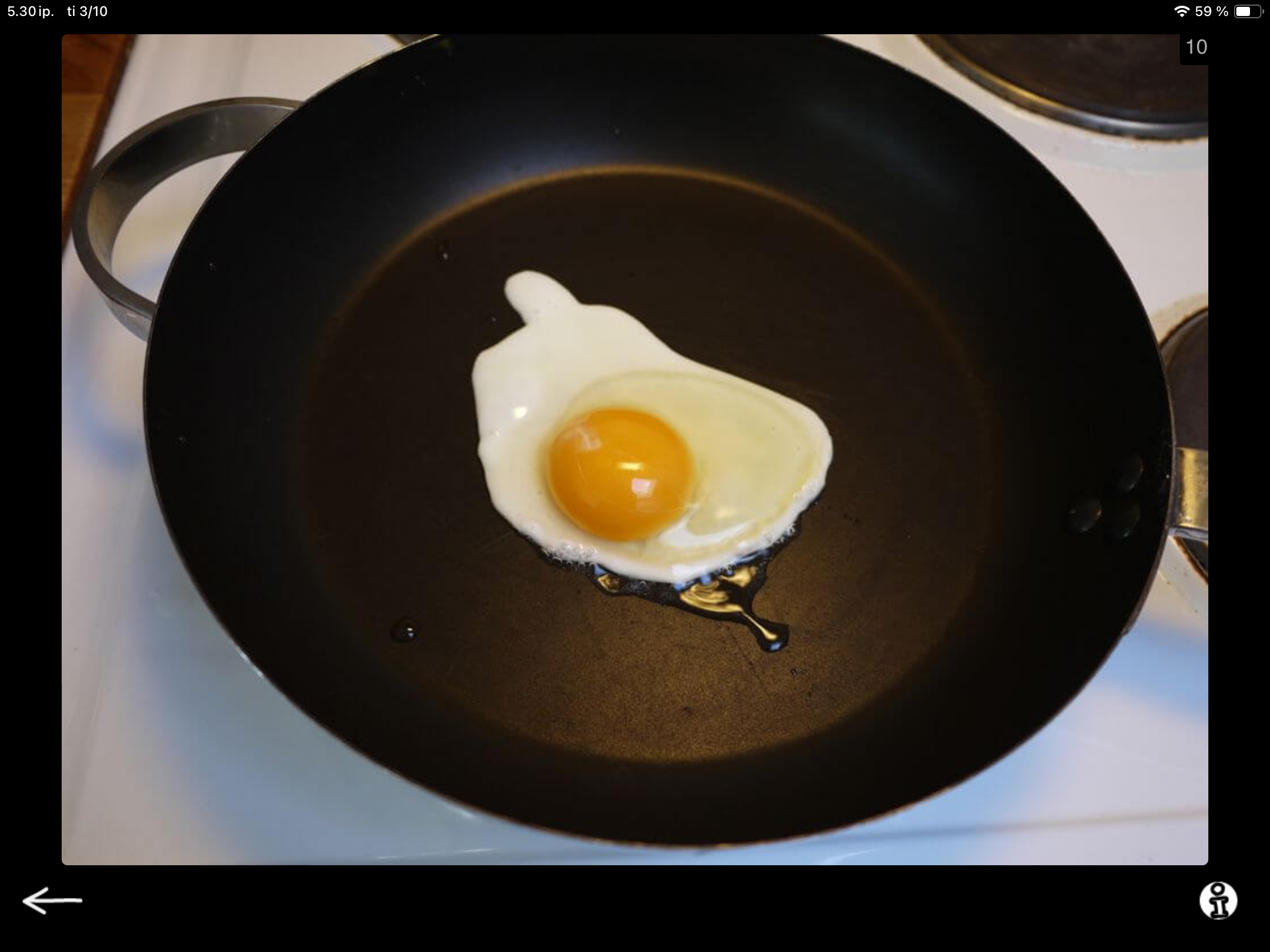
As you can guess from the names, one of the tasks contains images for eliciting noun responses and the other ups the stakes by introducing images that show an action. I will save the story behind the images themselves for a separate post — and that one will be fun. Plenty of stories behind the real-life images in SanapsisPro!

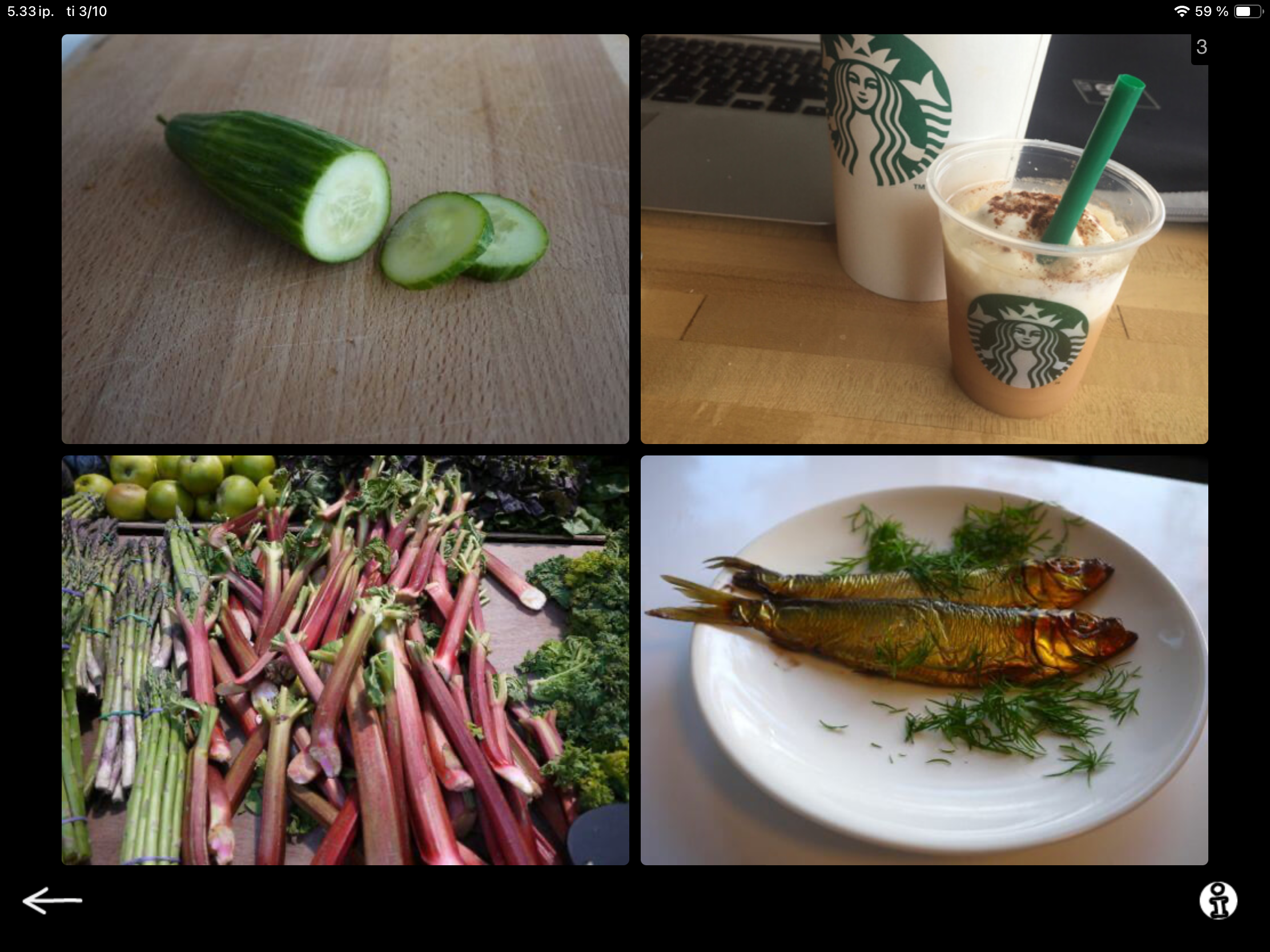
Technically these two Naming tasks are very similar, and both are familiar speech therapy flashcard-type tasks. This is the task format people envision when they think about speech therapy. You have a picture, you show it to your client and they say the name of the item or action in the picture.

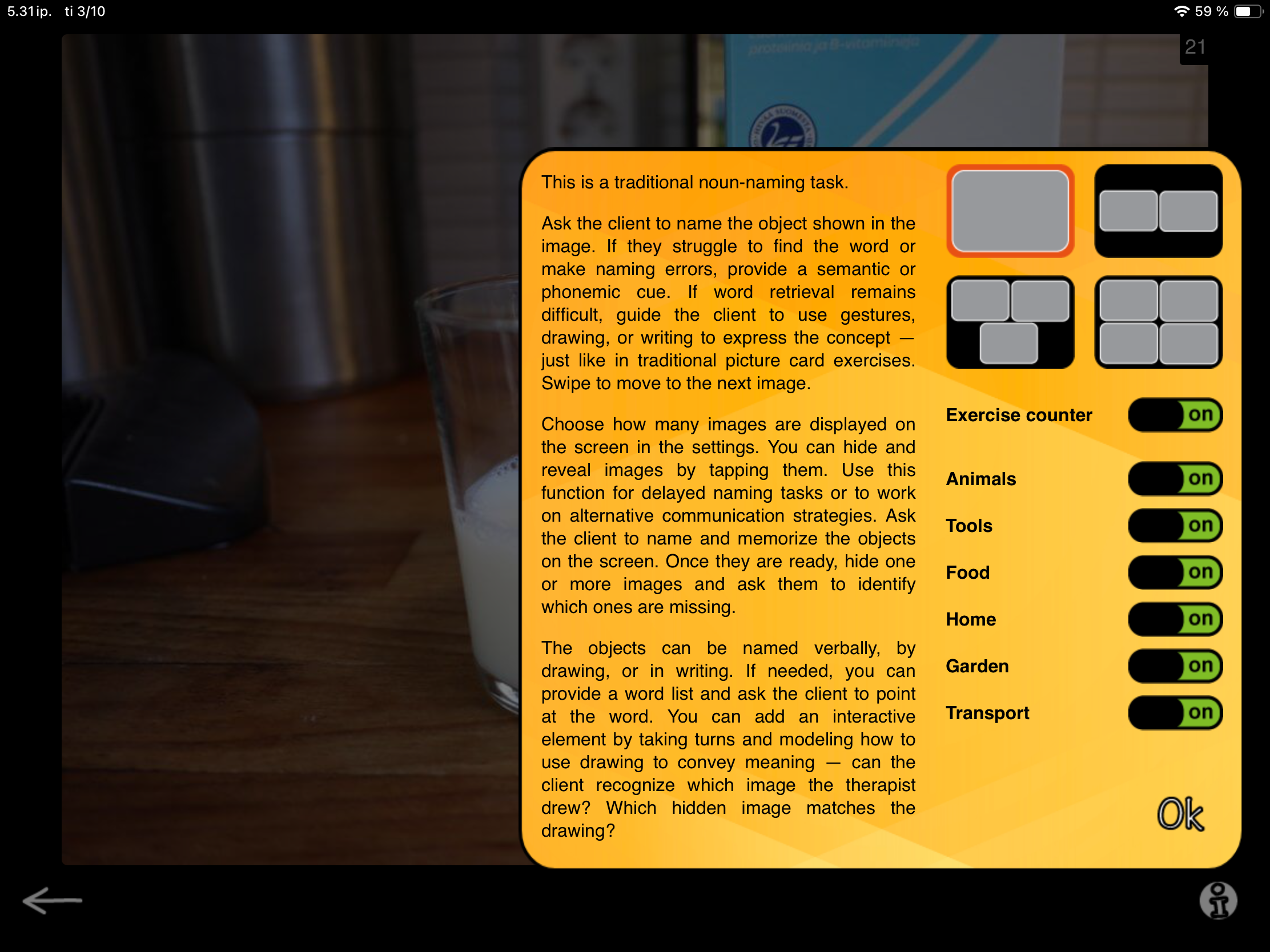
When you launch the exercise in SanapsisPro you see an image or multiple images, and swipe forward or back to alternate between them. You can adjust the number of images shown on screen and filter them by category. So simple, so useful and so versatile.

But hey, wait a minute! When you tap an image, it disappears. When you tap the screen again, the image comes back. This seems a bit odd. Why does the image disappear? Seems like something that should be fixed! Or… hmm… is it maybe surprisingly clever? A feature, not a bug? Well, I like to think it is surprisingly clever (as I designed it, hah).

This feature allows you to work on delayed naming or repetition. Ask your client to name or repeat the object in the image. Then tap the image and ask them to tell you what is hiding behind that black screen.

When I have multiple images on screen I can get my clients to go the extra mile by asking them to:

  1. Memorize the items on screen

  2. Close their eyes (as I hide one of more of images on screen) and

  3. Tell me which one is missing.
    =>  Instant, playful fun featuring memory and naming challenges!

This can work well in group settings too. Have clients team up for the memory challenge!

You can change up the task and add an element of reciprocal communication by taking turns. Images are easy to hide and reveal for the client, and having them quiz you can be a fun challenge. This can target many goals, such as taking a leading role in the exchange, practicing memory and attention, and listening closely to verify answers.

With over 500 images in Naming, Nouns and more than 300 real-life action images in Naming, Actions, there is plenty of material to keep your sessions fresh and engaging for a long time. Hope you have fun mixing up the familiar Naming task!

New update - Speech Production category

Nana Lehtinen

Happy to announce that the Speech Production category update is live!

Head over to the App Store to download the latest version of SanapsisPro and access the new content. As always, all materials are included for all users at no extra cost.

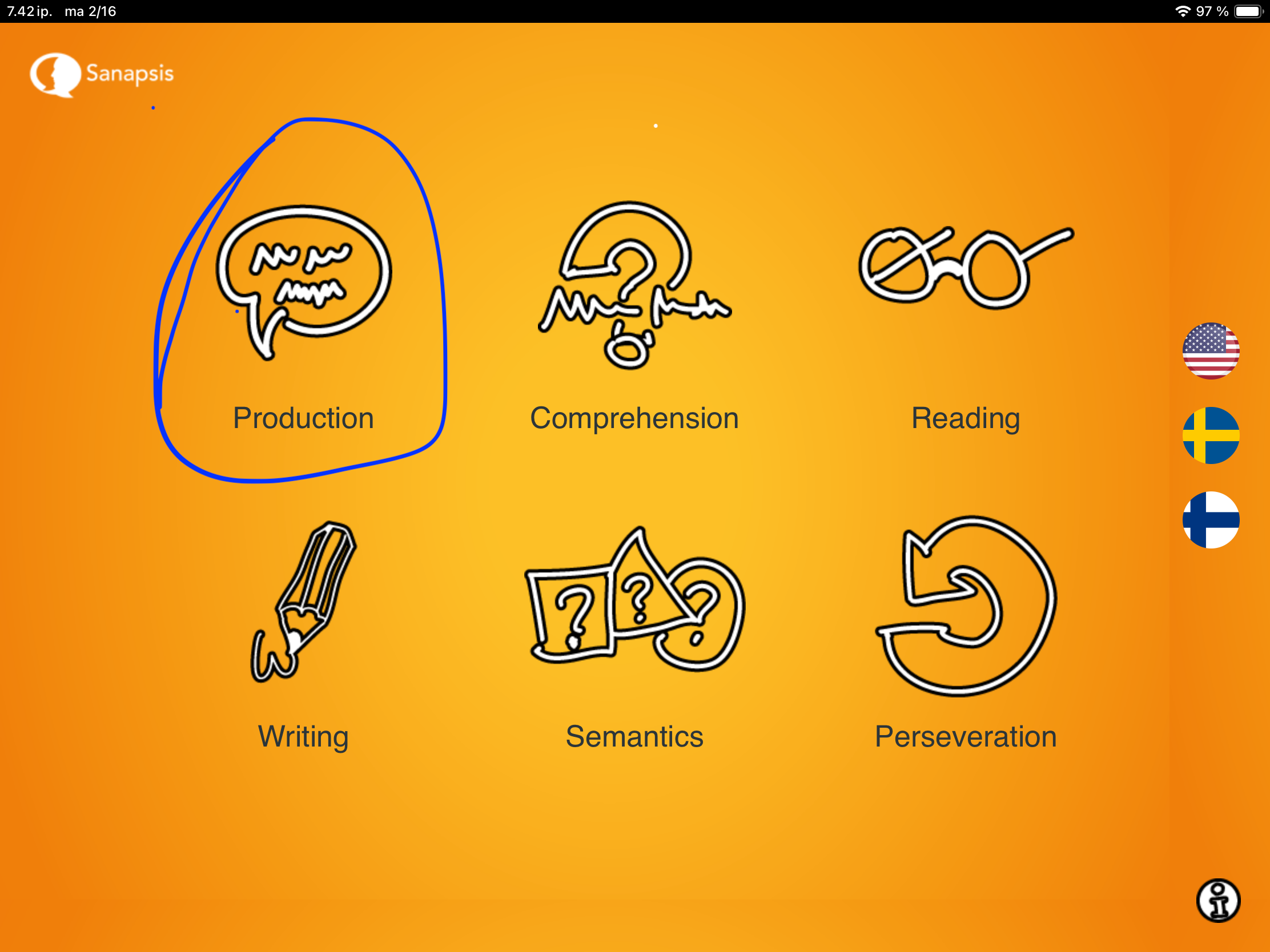
Moving on to our next category - Speech Production

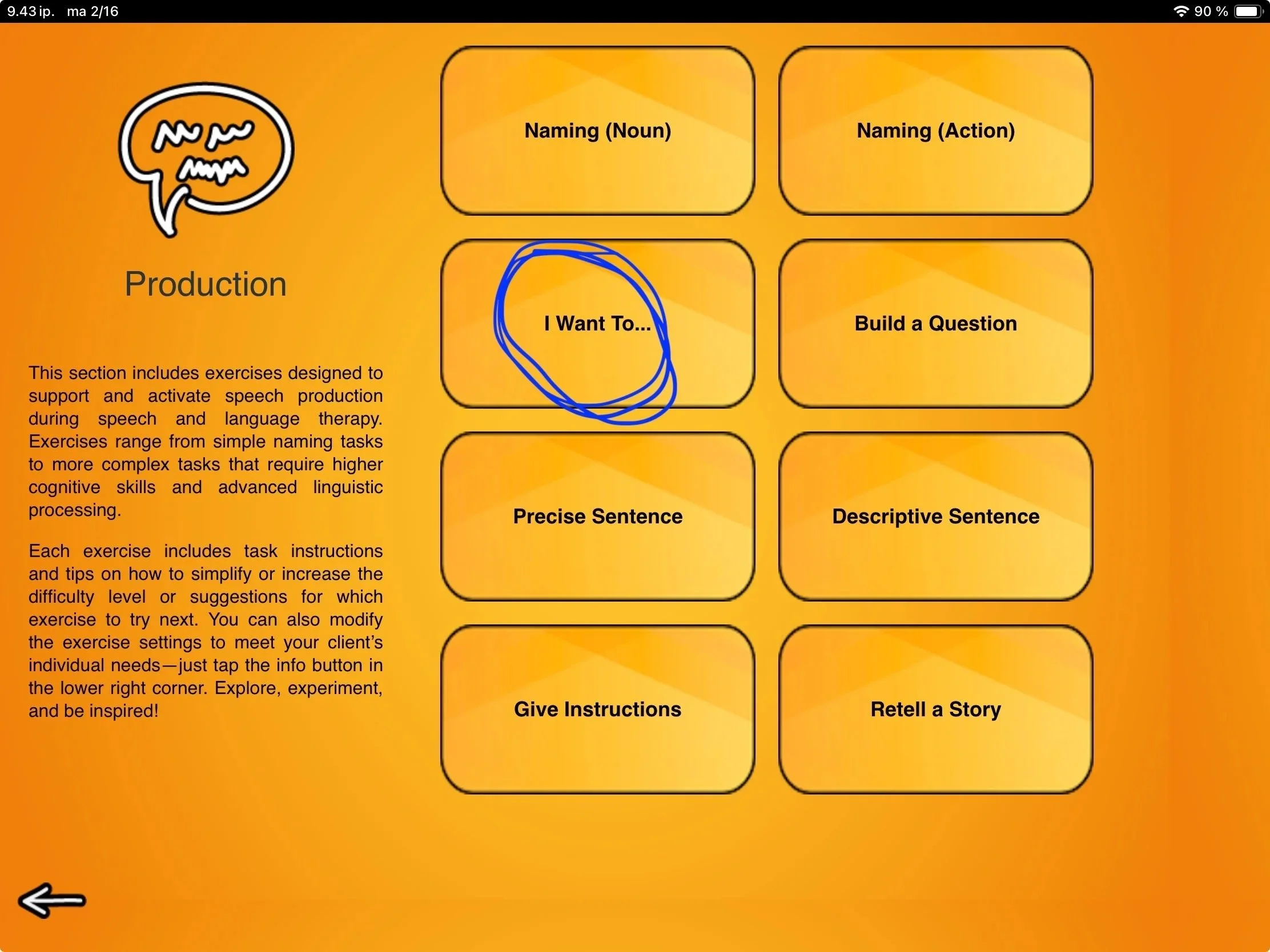
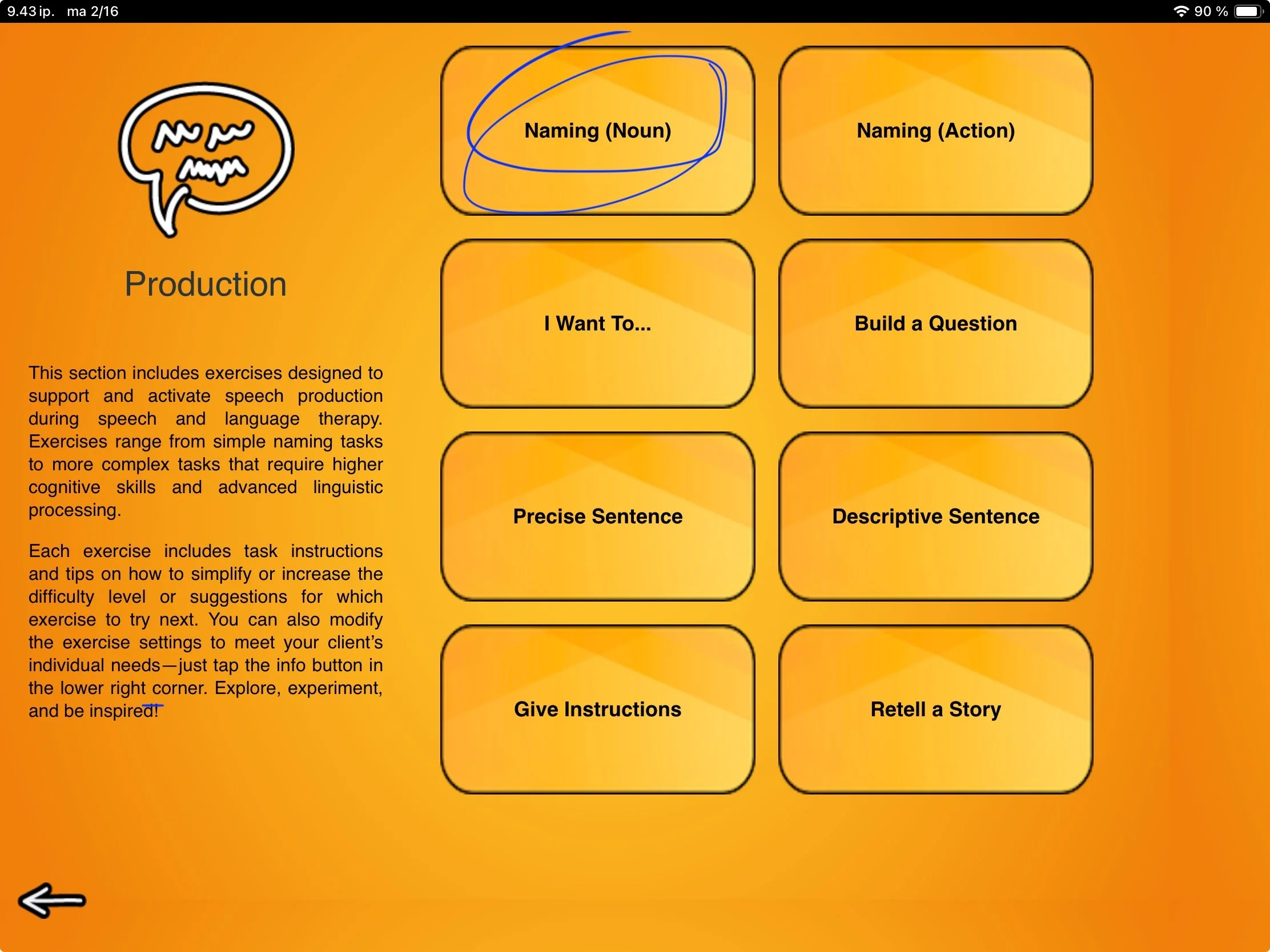
Speech Production category tasks are designed to support and activate speech production during speech and language therapy. Exercises range from simple naming tasks to more complex tasks that require higher-level cognitive and linguistic processing. In this update, we have expanded the content in some of the old favorites and trimmed down others for clarity. All exercises include improved task instructions and tips on how to simplify or increase the difficulty level, or where to go next. All aimed at providing a well-curated and streamlined user experience.

The Speech Production category includes exercises:

  • Naming (noun)

  • Naming (action)

  • I Want to…

  • Build a Question

  • Precise Sentence

  • Descriptive Sentence

  • Give Instructions

  • Retell a Story

If you miss the old favorite, Organize a Sentence, you can find it in the Reading section. The task Create a Sentence Around Words has, however, retired. If you would like it to return in the next update, drop me a line!

In the coming weeks, I will share a closer look at each of these exercises. I hope these tasks, materials, and instructions offer an inspiring starting point for you and your clients.

On that note, I would love to hear how you use SanapsisPro in your clinical work! Please drop me a line anytime via email via the link on the upper right hand corner. After all, the strength of Sanapsis is that you and your clients can be as creative as you like, with just a little structure and support help from us.

Next up: Synopsis (and a fun fact about the name Sanapsis)

Nana Lehtinen

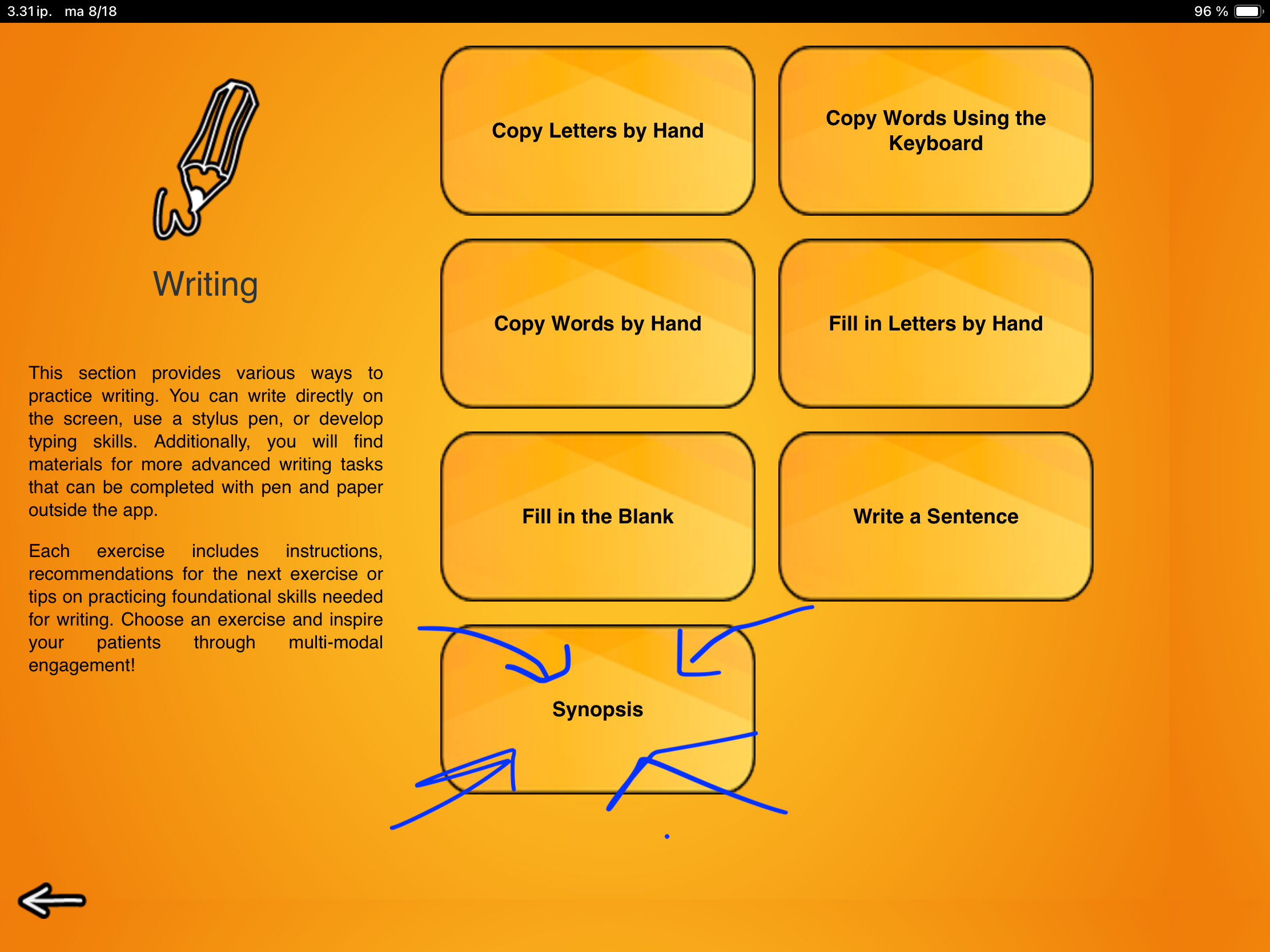
Synopsis is the last, but not least, task of the Reading exercises before moving on to the Speech Production category tasks.

So, what is a synopsis? Generally, it is defined as a brief summary of a chain of events, like an outline of the plot of a book, play, or movie. You can often elicit a synopsis by simply asking, “In a nutshell, what happens in the story?” Now, while this is a familiar concept and a task for writing a synopsis might seem straightforward, creating a synopsis is not for the faint of heart!

Building a synopsis requires identifying key information and finding connections between events. We need to identify and prioritize essential content while omitting information and details that are not essential for the big picture.

Once this is done and we have a plan in place, we turn to our linguistic planning and execution skills and begin formulating a logical, informative narrative. This places substantial demands on memory, attention, and reasoning, as well as the executive functions that support language planning and expression.

Sounds like a great task for a speech therapy session!

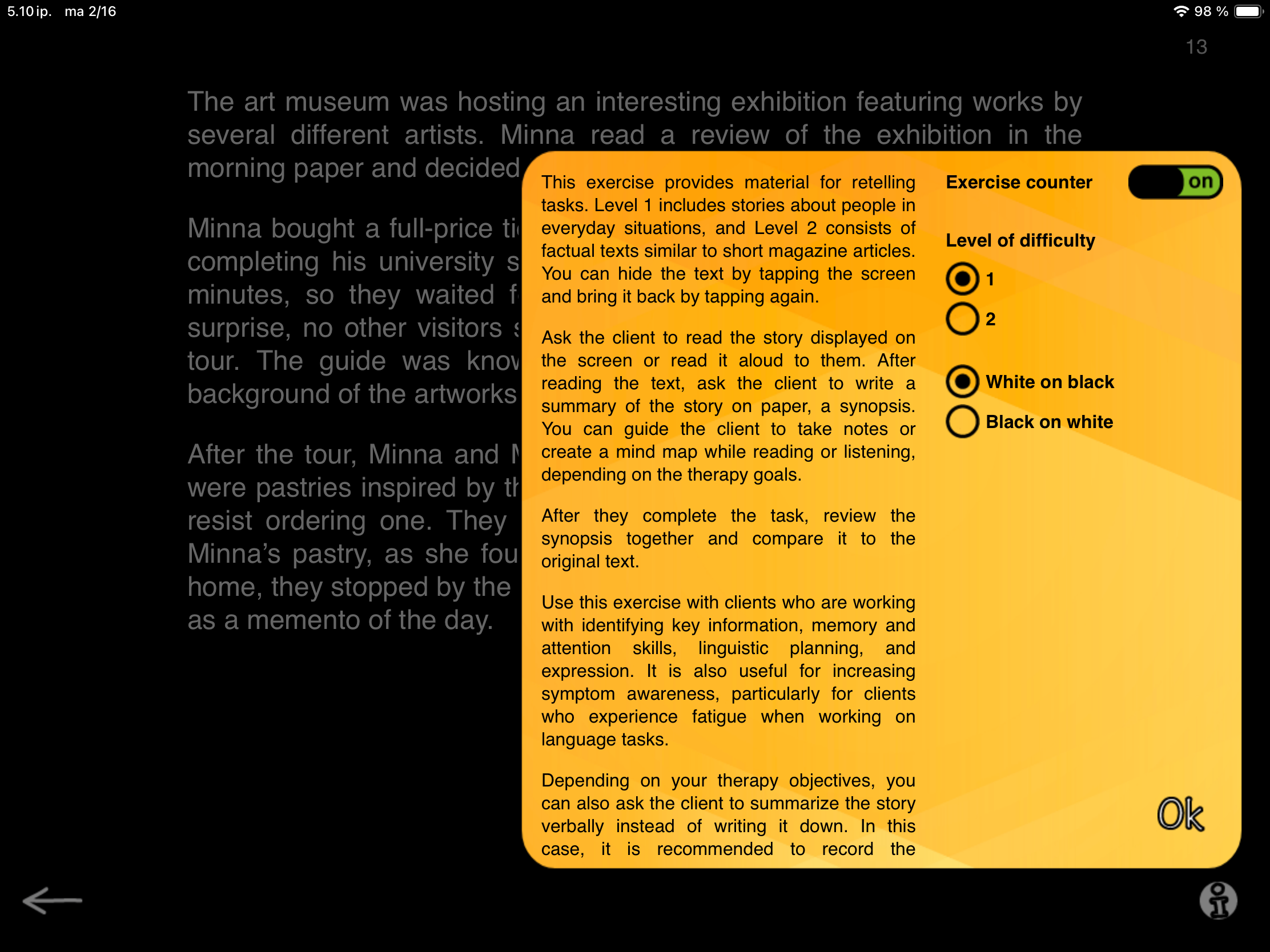
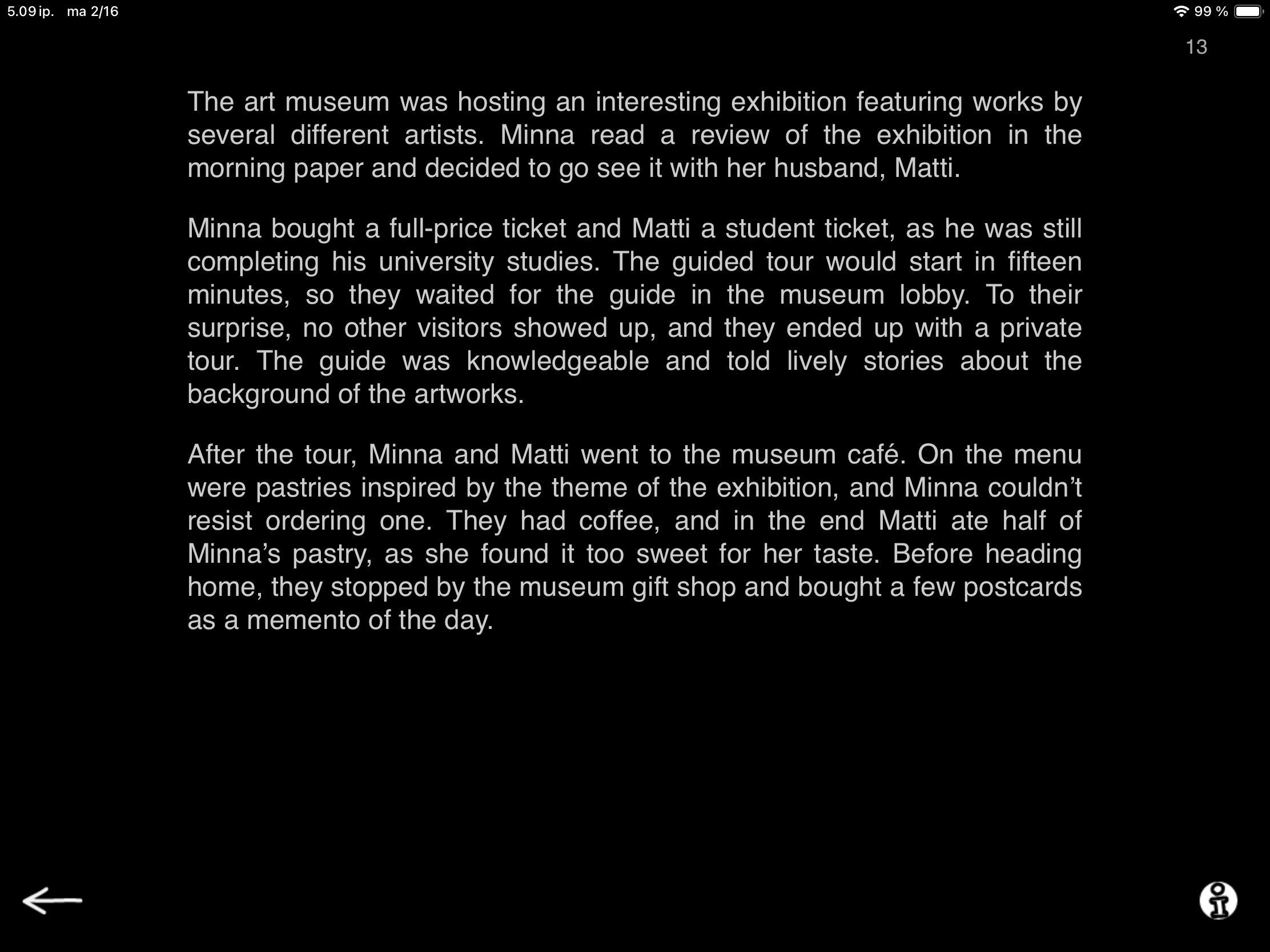
When you open Synopsis on your iPad, a story appears on screen. Ask the patient to read it and write a summary of the story on paper, i.e., create a synopsis. Guide the patient to take notes or create a mind map while reading, to support forming a coherent overview. You can hide the text by tapping the screen and bring it back by tapping again.

Synopsis has two levels reflecting two text styles. Level 1 has stories about people in everyday situations. In the example on the left, Minna and Matti are paying a visit to the museum.

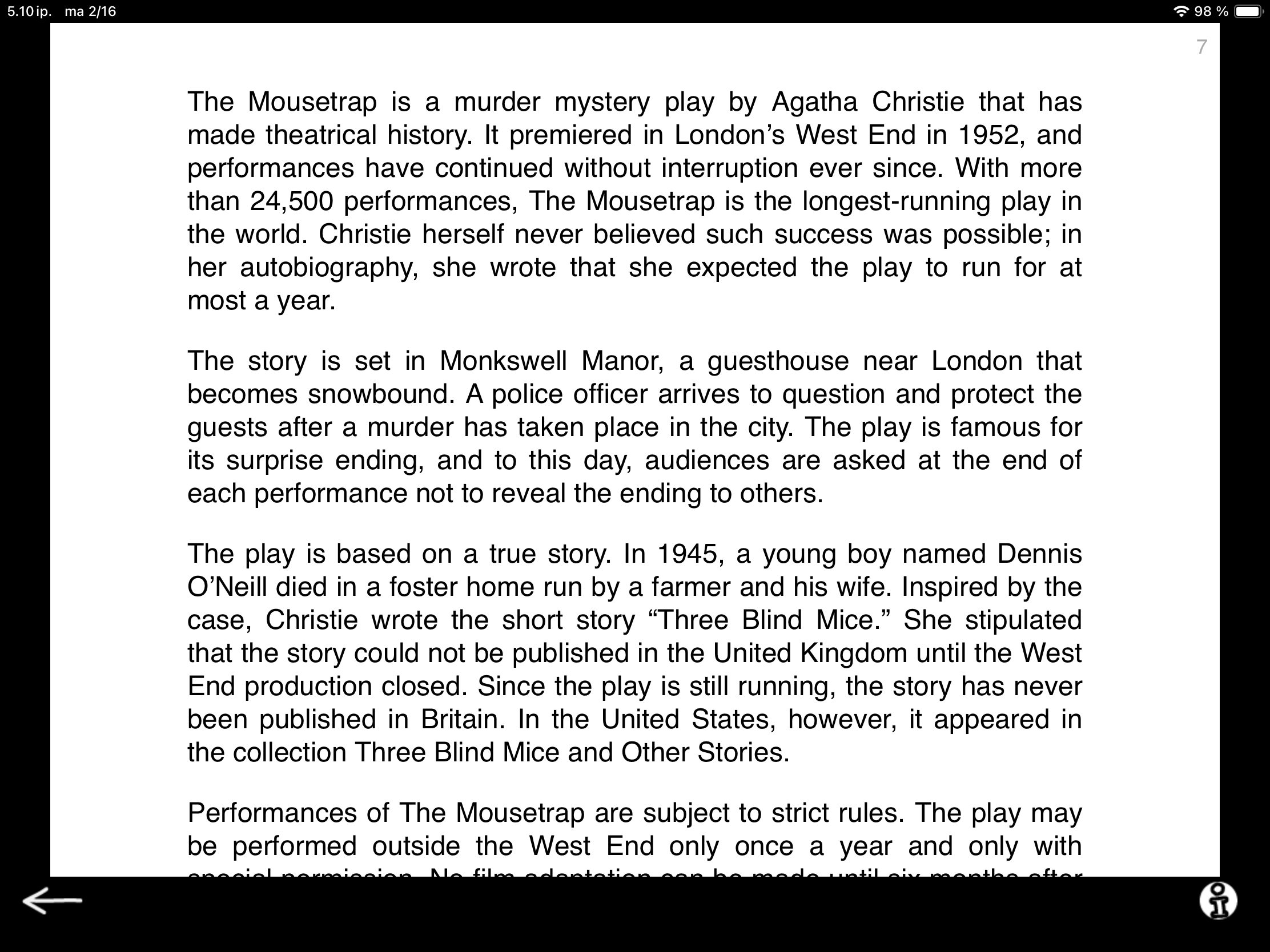
Level 2 consists of factual texts similar to short magazine articles. Here the text talks about the (super fun!) play The Mousetrap by Agatha Christie.

With some clients, you can even turn level 2 type tasks into an ongoing activity: the client selects a short article they find interesting and prepares a synopsis to present at the following session. A great way to incorporate the client’s interests into therapy.

Synopsis tasks bring essential reading and communication skills into one focused activity. Zeroing in on what matters, linking events, and capturing the main idea in a few words strengthens both understanding and real-life functional communication.

This time I will leave you with a fun fact: We named Sanapsis after this task! Sanapsis is a play on the word sana (Finnish for “word”) and the word synopsis. Building a cohesive outline while leaving room for the reader (user) to fulfil the plot with their own expertise seems like the perfect reflection of the core idea behind the app. Synopsis as a task is also a stellar, super versatile workhorse, just like SanapsisPro!

Next up — Speech Production category 🤩